


Tired of reaching for the same Photoshop shortcuts or scrubbing through video timelines with awkward key combos? This compact 3-key macro keypad with a rotary knob sits beside your main keyboard and puts your most-used commands one tap away. Whether you're editing photos in Sydney or streaming from a home setup in Perth, it streamlines your workflow without crowding your desk.
Why Customers Love It
Built for creative shortcut workflows
Photoshop, Lightroom, Premiere Pro, DaVinci Resolve and Excel all rely on shortcuts you use hundreds of times a day. Assign brush size, undo, redo, zoom or timeline scrub to the knob and dedicate the three keys to your most-used commands so your hands stay on the work, not the menu bar.
Rotary knob for fine control
The clickable knob is perfect for adjusting volume, scrolling timelines, zooming in on artwork or stepping through frames. Push it in to trigger a separate action, giving you a fourth programmable input on top of the three keys.
Hot-swappable for ongoing tinkering
If you decide red linear switches aren't your style, pop them out and drop in tactile or clicky switches instead. The same goes for keycaps, so you can theme it to suit your gaming rig or studio desk in any Aussie home.
The 3-Key Macro Keypad Difference
Product Details




Specifications
- Switch Type: Red Linear Mechanical (Hot-Swappable)
- Keys: 3 Programmable Keys + 1 Rotary Knob
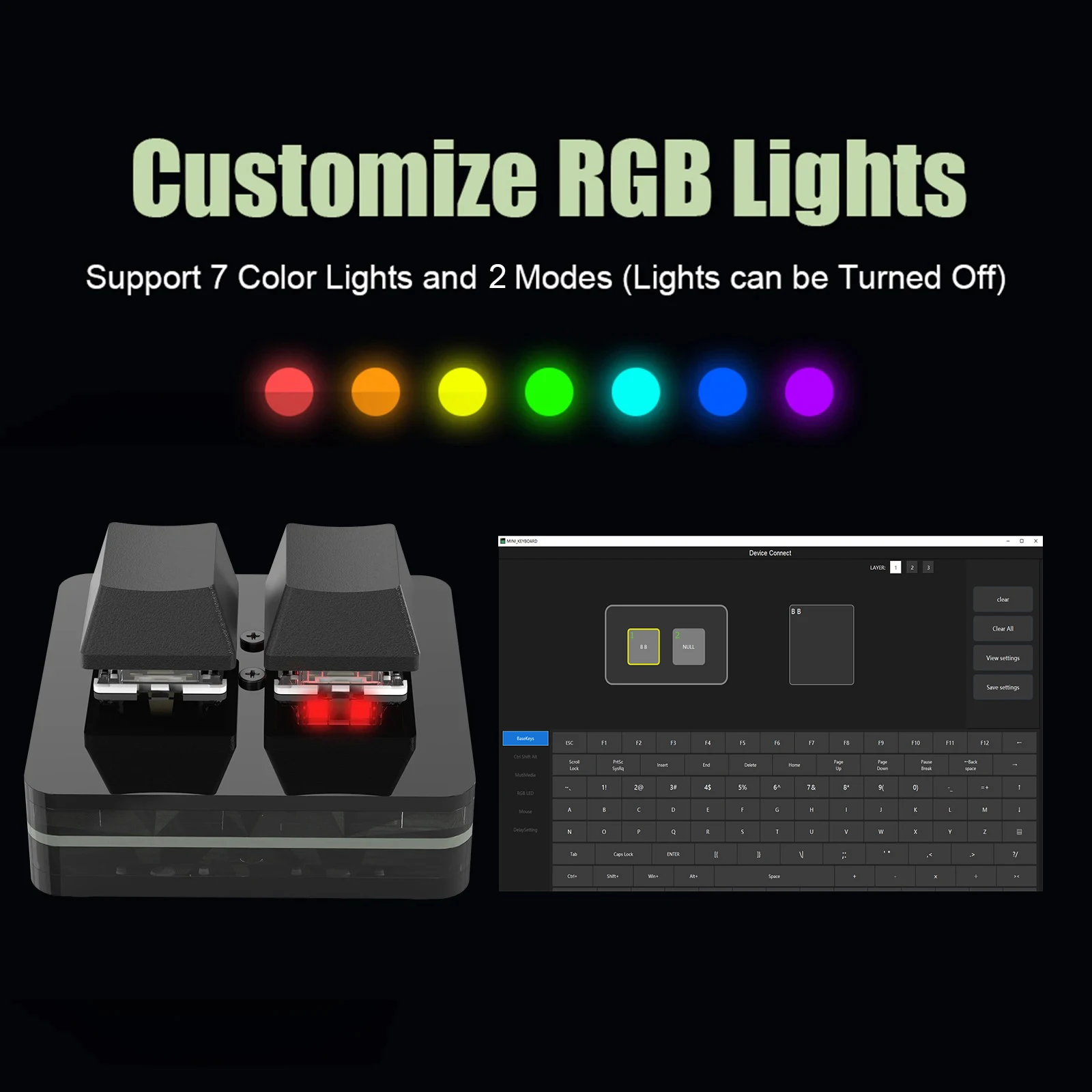
- Backlight: RGB, 7 Colours, 2 Modes
- Connection: USB-C Wired
- Compatibility: Windows 7+, macOS, iOS, Android
- Material: ABS Plastic
- Default Function: Copy / Paste
What's in the Box
- 1× Macro Keypad
- 1× USB-C Cable
Your Questions Answered
Providing clarity and confidence for your purchase.
Try Your 3-Key Macro Keypad Risk-Free!
Backed by our 30-day money-back guarantee. If you're not completely satisfied, we'll make it right — no questions asked.
Customers Adore the Look and Feel!
⭐⭐⭐⭐⭐
“Picked this up for my Photoshop work and it's saved me so much time. Knob is mapped to brush size, three keys do undo, redo and save. Sits neatly next to my keyboard and the RGB matches my setup.”
“Use it mainly for video editing in Premiere. Scrubbing the timeline with the knob feels so much more natural than the keyboard. Setup software took a few minutes to figure out but works a treat now.”
“Bought it for my home office and ended up using it for everything from Excel to Spotify. Hot-swap meant I could drop in some quieter switches I had spare. Solid little unit for the price.”
“Compact, well built and the RGB looks great at night. Programmed the keys to copy, paste and select all for my admin work and the knob handles volume. Plugged straight into my Mac after setting it up on the work PC.”
🚚 Fast Dispatch — Shipped within 2 business days
🛡️ Secure Packaging — Carefully packed to arrive safely
🔄 30-Day Returns — Not happy? We'll sort it out
💬 Friendly Support — Real people, fast responses